Catering Suite

The lifecycle of a flight in one connected system

From menu presentation and galley planning to production apps, delivery and billing: the Catering Suite guides every department through the same flight data, step by step.

Execution journey

From Pre Flight to Post Flight

Each phase shows the modules active at that time.

Module typesApplicationSystem serviceCore systemProcess

Pre Flight

Set up menus, galleys and master data · 3 steps
Planning
Core system

Master Data Setup

The core data and configuration that prepares the system for catering operations.

  • Airlines, aircraft types and catering units
  • Central and station-specific master data
  • Equipment and meal loadings, cycles and item categories
  • Ready for flight generation and all downstream processes
Planning
Application

Galley Planning

The structural basis for loading an aircraft correctly from a catering perspective.

  • Galley layouts and versions for every aircraft type
  • Stowage positions with types such as carts, ovens or boxes
  • Galley diagrams for clear communication with the airline
  • Foundation for assigning food, beverages and non-food items

28 Days

Generate flights and keep them current · 2 steps
Execution preparation
System service

Flight Generation

An automated service that turns flight schedules and master data into operational flights.

  • Generates flights from schedules, master data and rules
  • Combines aircraft types, routes and meal and equipment loadings
  • Configurable timing, passenger logic and document output
  • Item-level explosion as the basis for material planning
Cross-phaseRuns 28 Days → Post Flight
System service

Flight Updates

Keeps flight data current from 28 days before departure until the last minute.

  • Automatic regeneration in a defined period before departure
  • Airline updates: aircraft changes, passenger numbers, SPML, departures
  • Caterer updates such as ramp boxes, kitchen and ramp times
  • Everything visible and editable in the Flight Browser

28→2 Days

Plan, buy and receive materials in ERP · 3 steps
ERP
System service

Material Requirement Planning

Demand planning in ERP based on generated flight data.

  • Item-level explosion as the basis for planning
  • The right material at the right time and quantity
  • Fewer shortages and production stoppages
  • Lower inventory costs and less tied-up capital
ERP
Process

Purchasing

A structured, traceable purchasing process based on ERP planning results.

  • Less manual input and fewer errors
  • Clear purchasing status flow with fast approvals
  • Better coordination between planning and purchasing
  • Integrated with inventory, logistics and suppliers
ERP
Process

Goods Receiving

A faster, more reliable receipt process for incoming deliveries in ERP.

  • Clear overview of incoming deliveries
  • Less paperwork in goods receipt
  • Efficient data capture in the warehouse
  • Reliable, up-to-date stock figures

2 Days

Turn flight data into production work · 3 steps
Execution
System service

Production Order

The same flight data, prepared for every department in the right format.

  • Outputs for pre-production, dish out, tray setup, packing and delivery
  • Data delivered through apps, task lists and reports
  • Documents such as SPML and allergen lists, check sheets and labels
  • Every team knows what to prepare, pack, check and deliver
ERPRuns 2 Days → Departure Day
Process

Preparation Picking List / Production Supply / Goods Issue

A paperless flow for picking, production supply and goods issue in ERP.

  • No more Excel or paper lists
  • Better coordination between warehouse and production
  • Material use aligned with the bill of materials
  • Less shadow inventory and better cost control
Cross-phaseRuns 2 Days → Departure Day
Process

Production Controlling

Two apps, OPS Control and Monitoring, keep production on track.

  • Workload per workstation and area in real time
  • Move work between workstations with a few clicks
  • Live production status per flight, product and step
  • Drill down to each component and its latest scan

1 Day

Prepare, plate and assemble trays · 3 steps
Execution
Application

Pre-Production

The app for all preparation steps before dish out, such as slicing, cooking and chilling.

  • Work orders per production day, workstation and shift
  • Material calculation and capture of real consumption
  • Temperature capture (CCP3/CCP4) and blast chilling support
  • Scannable labels and a clear Kanban status view
Execution
Application

Dish Out

The app for paperless plating in batches before tray setup.

  • Work orders with menu pictures, instructions and specifications
  • Production sequence based on flight priorities
  • Start/stop times to compare planned and actual production
  • Temperatures, HACCP checks and weight controls
Execution
Application

Tray Setup

The app for paperless, flight-specific tray assembly.

  • Flight-related work orders at the workstation
  • Tray pictures, setup instructions, items and quantities
  • Flight labels and cart diagrams for correct packing
  • Planned versus actual setup times

Departure Day

Pack, check and hand over · 3 steps
Execution
Application

Cart Packing

The app that guides teams through packing every cart per flight.

  • All carts and their exact contents per flight
  • Interactive cart diagrams for guided packing
  • Color-coded status, labels and cart diagrams
  • Temperature recording and repacking when needed
Execution
Application

Late Order

Fast reactions to last-minute changes with the Ramp Check and Truck Loading apps.

  • Flights, trucks and containers at a glance
  • Real-time checks for missing, wrong or damaged items
  • Color-coded loading status and on-time signals
  • Re-supply and last-minute airline requests handled directly
Execution
Application

Delivery

A digital boarding bill and delivery note for drivers and crew.

  • Review meals, services and extras per flight
  • Digital signatures from crew and supervisor
  • Last-minute orders with digital approval
  • Reliable basis for billing, so nothing gets missed

Post Flight

Count returns and close the flight commercially · 2 steps
Execution
Application

Arrival Check & Return Counting

Two apps, Arrival Check and Return Counting, record everything that comes back from the aircraft.

  • Scan returning carts and check seals on arrival
  • Count reusable items such as beverages and bar stock
  • Spot missing or damaged equipment right away
  • Returned quantities flow straight into billing and inventory
ERP
System service

Billing & Invoicing

Turns confirmed delivery data into accurate invoices in ERP.

  • Invoices based on delivery notes and contracts
  • Customer-specific billing rules and pricing
  • Less manual reconciliation and fewer errors
  • Reporting on revenue and open receivables

Product Video

Catering Suite in 100 seconds

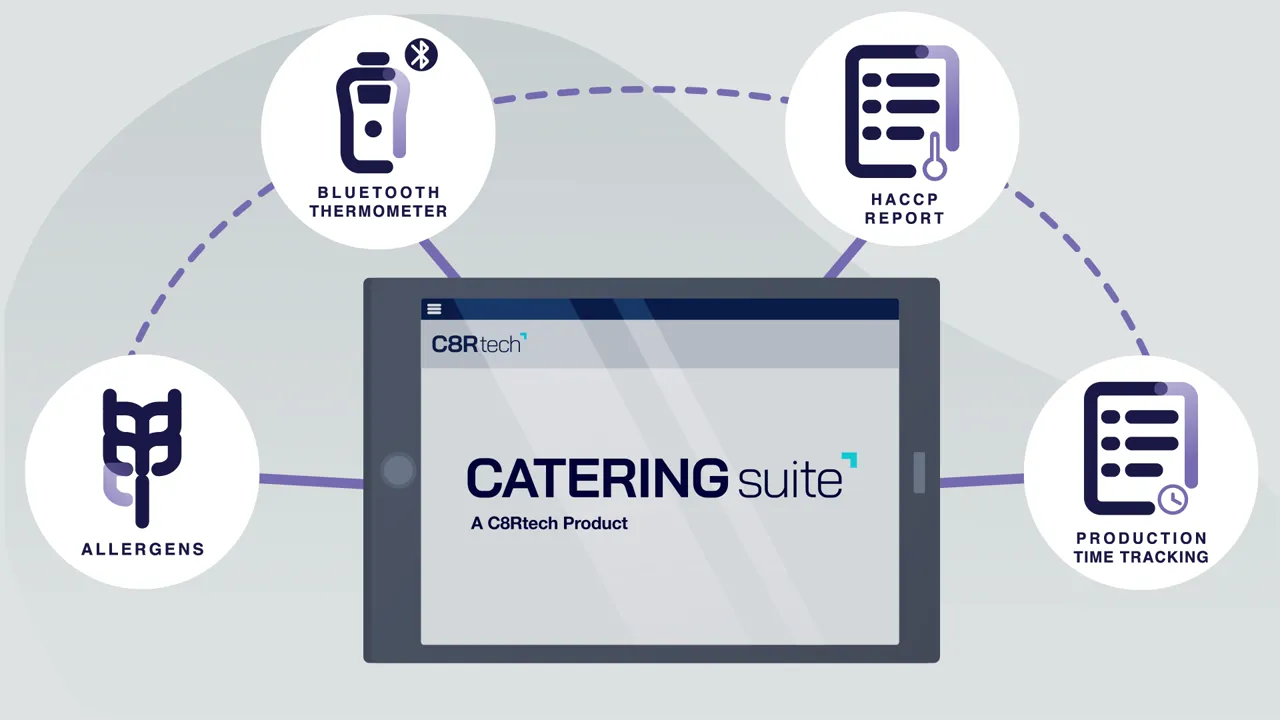
A short animated overview of how the Catering Suite supports production, food safety and delivery.

C8Rtech Catering Suite video: airline catering software

Let’s work together and turn your ideas into reality.

Tell us where your operation stands and where you want to take it. We’ll show you the solutions that fit, from menu planning to billing.

Schedule a Demo